

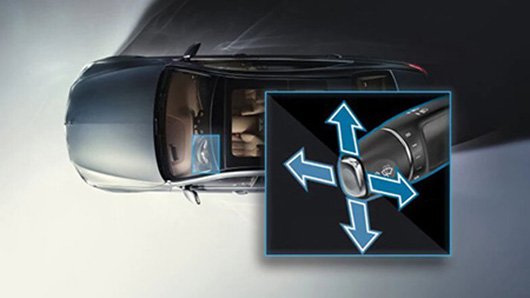
Get to know the functions, understand the operation, stay informed: the online Owner’s Manual offers you interactive access to various information about your car. Learn important and interesting details through texts, photos and illustrative, animated images.
You will then be redirected to a new website where at the bottom you select change language.
Compact Saloon
| Model Year | Interactive User Guide |
|---|---|
| 04/2016 – | Online version |
| 09/2012 – 03/2016 | Online version |
| Online version |
| Model Year | Interactive User Guide |
|---|---|
| 08/2018 – MBUX | Online version |
Sports Tourer
| Model Year | Interactive User Guide |
|---|---|
| 10/2018 – MBUX | Online version |
| 10/2018 – MB Audio System | Online version |
| 11/2014 – 09-2018 | Online version |
| Model Year | Interactive User Guide |
|---|---|
| 11/2014 – 01/2017 | Online version |
Saloon
| Model Year | Interactive User Guide |
|---|---|
| 03/2018 – COMAND | Online version |
| 03/2018 – Audio | |
| 03/2014 – 02/2018 | Online version |
| 06/2011 – 02/2014 | Online version |
| Model Year | Interactive User Guide |
|---|---|
| 03/2018 – COMAND | Online version |
| 03/2018 – Audio | Online version |
| 03/2014 – 02/2018 | Online version |
| 06/2011 – 02/2014 | Online version |
| Model Year | Interactive User Guide |
|---|---|
| 04/2018 COMAND |
Online version |
| 04/2018 – Audio |
Online version |
| 04/2016 – 03/2018 | Online version |
| 06/2011 – 03/2016 | Online version |
| Model Year | Interactive User Guide |
|---|---|
| 04/2018 – COMAND |
Online version |
| 04/2018 Audio |
Online version |
| 12/2016 – 03/2018 | Online version |
Coupé
| Model Year | Interactive User Guide |
|---|---|
| 06/2010 – 12/2013 | Online version |
Coupé
| Model Year | Interactive User Guide |
|---|---|
| 04/2016 – | Online version |
| 04/2013 – 03/2016 | Online version |
Shooting Brake
| Model Year | Interactive User Guide |
|---|---|
| 04/2016 – | Online version |
| 04/2013 – 03/2016 | Online version |
Coupé
| Model Year | Interactive User Guide |
|---|---|
| 12/2017 – COMAND |
Online version |
| 12/2017 – Audio 20 |
Online version |
| 09/2014 – 06/2017 | Online version |
| 10/2012 – 08/2014 | Online version |
Shooting Brake
| Model Year | Interactive User Guide |
|---|---|
| 09/2014 – 03/2017 | Online version |
| 01/2011 – 08/2014 | Online version |
Saloon
| Model Year | Interactive User Guide |
|---|---|
| 09/2018 – COMAND |
Online version |
| 09/2018 – Audio 20 |
Online version |
| 03/2018 – 08/2018 COMAND |
Online version |
| 03/2018 – 08/2018
Audio 20 |
Online version |
| 12/2017 – 02/2018 COMAND |
Online version |
| 12/2017 – 02/2018 Audio 20 |
Online version |
| 09/2016 – 11/2017 COMAND |
Online version |
| 09/2016 – 11/2017
Audio 20 |
Online version |
| 04/2013 – 08/2016 | Online version |
| 09/2009 – 02/2013 | Online version |
Estate / All-Terrain
| Model Year | Interactive User Guide |
|---|---|
| 09/2018 – COMAND |
Online Edition |
| 09/2018 – Audio 20 |
Online Edition |
| 03/2018 – 08/2018
COMAND |
Online Edition |
| 03/2018 – 08/2018 Audio 20 |
Online Edition |
| 04/2017 – 02/2018
COMAND |
Online version |
| 09/2016 – 03/2017 COMAND |
Online version |
| 09/2016 – 03/2017 Audio 20 |
Online version |
| 04/2013 – 08/2016 | Online version |
| 11/2009 – 02/2013 | Online version |
Coupé
| Model Year | Interactive User Guide |
|---|---|
| 09/2018 – COMAND |
Online version |
| 09/2018 – Audio 20 |
Online Edition |
| 03/2018 – 08/2018
COMAND |
Online Edition |
| 03/2018 – 08/2018 Audio 20 |
Online Edition |
| 12/2017 – 02/2018
COMAND |
Online version |
| 12/2017 – 02/2018
Audio 20 |
Online version |
| 04/2017 – 11/2017 COMAND |
Online version |
| 04/2017 – 11/2017 Audio 20 |
Online version |
| 06/2013 – 03/2016 | Online version |
| 03/2010 – 05/2013 | Online version |
Cabrio
| Model Year | Interactive User Guide |
|---|---|
| 09/2018 – COMAND |
Online Edition |
| 09/2018 – Audio 20 |
Online Edition |
| 03/2018 – 08/2018
COMAND |
Online Edition |
| 03/2018 – 08/2018 Audio 20 |
Online Edition |
| 06/2017 – 02/2018 | Online version |
| 06/2013 – 03/2016 | Online version |
| 03/2010 – 05/2013 | Online version |
Offroader
| Model Year | Interactive User Guide |
|---|---|
| 09/2018 – COMAND |
Online version |
| 08/2012 – 08/2018 | Online version |
Offroader
| Model Year | Interactive User Guide |
|---|---|
| 12/2012 – 03/2016 | Online version |
Offroader
| Model Year | Interactive User Guide |
|---|---|
| 01/2017 – | Online version |
| 03/2014 – 12/2016 | Online version |
Coupé
| Model Year | Interactive User Guide |
|---|---|
| 09/2016 – | Online version |
SUV
| Model Year | Interactive User Guide |
|---|---|
| 04/2016 – | Online version |
Coupé
| Model Year | Interactive User Guide |
|---|---|
| 04/2016 – | Online version |
SUV
| Model Year | Interactive User Guide |
|---|---|
| 04/2016 – | Online version |
Offroader
| Model Year | Interactive User Guide |
|---|---|
| 06/2011 – 11/2015 | Online version |
Offroader
| Model Year | Interactive User Guide |
|---|---|
| 04/2016 – | Online version |
Offroader
| Model Year | Interactive User Guide |
|---|---|
| 11/2011 – 08/2015 | Online version |
Tourer
| Model Year | Interactive User Guide |
|---|---|
| 02/2006 – 10/2012 | Online version |
Saloon
| Model Year | Interactive User Guide |
|---|---|
| 03/2018 – | Online version |
| 05/2017 – 02/2018 | Online version |
| 07/2013 – 05/2017 | Online version |
| 05/2009 – 06/2013 | Online version |
Coupé
| Model Year | Interactive User Guide |
|---|---|
| 03/2018 – | Online version |
| 10/2016 – 02/2018 | Online version |
| 04/2016 – 09-2017 | Online version |
Cabrio
| Model Year | Interactive User Guide |
|---|---|
| 03/2018 – | Online version |
| 10/2016 – 02/2018 | Online version |
Roadster
| Model Year | Interactive User Guide |
|---|---|
| 04/2016 – | Online version |
| 03/2012 – 03/2016 | Online version |
Roadster
| Model Year | Interactive User Guide |
|---|---|
| 04/2016 – | Online version |
Roadster
| Model Year | Interactive User Guide |
|---|---|
| 03/2011 – 03/2016 | Online version |
AMG Coupé
| Model Year | Interactive User Guide |
|---|---|
| 03/2010 – 06/2014 | Online version |
AMG Roadster
| Model Year | Interactive User Guide |
|---|---|
| 10/2011 – 06/2014 | Online version |
Coupé
| Model Year | Interactive User Guide |
|---|---|
| 10/2016 – | Online version |
Roadster
| Model Year | Interactive User Guide |
|---|---|
| 11/2016 – | Online version |
Coupé GT R
| Model Year | Interactive User Guide |
|---|---|
| 11/2016 – | Online version |
4θυρο Coupé
| Model Year | Interactive User Guide |
|---|---|
| 09/2018 – COMAND |
Online version |
| 09/2018 – Audio |
Online version |
Van
| Model Year | Interactive User Guide |
|---|---|
| 03/2016 – | Online version |
Pickup
| Model Year | Interactive User Guide |
|---|---|
| 09/2017 – | Online version |
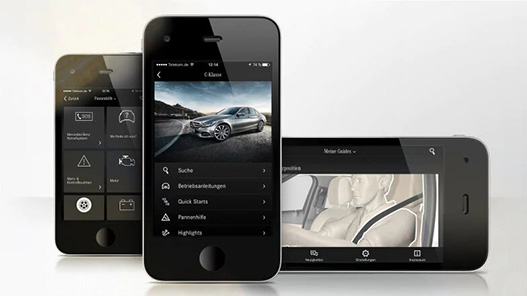
Mercedes-Benz Owner’s Manuals for your smartphone and tablet: the Mercedes-Benz Guides app provides manuals and search functions for your Mercedes, as well as useful tips—such as information on roadside assistance—directly on your smartphone or tablet. Currently, these Owner’s Manuals are available only for specific model series.
Whether you want to set up your Mercedes me Adapter for the first time or need help reactivating it—for example, after a service—our detailed, step-by-step instructions show you how to connect to your Mercedes-Benz in just a few minutes.
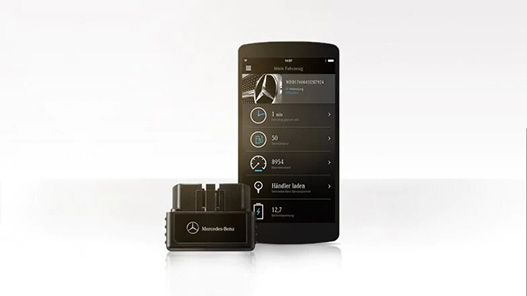
We show you step-by-step how to gain personal access to your Mercedes-Benz vehicle.
You can collect the Mercedes me Adapter from your authorized Mercedes-Benz service partner, who will activate the service and be happy to help you set it up.
First, make sure that
- Your vehicle is compatible with the Mercedes me Adapter.
- You have a compatible smartphone and
- You have created a personal user account at www.mercedes.me.

Download for iOS from the App Store
Download for Android from the Play Store
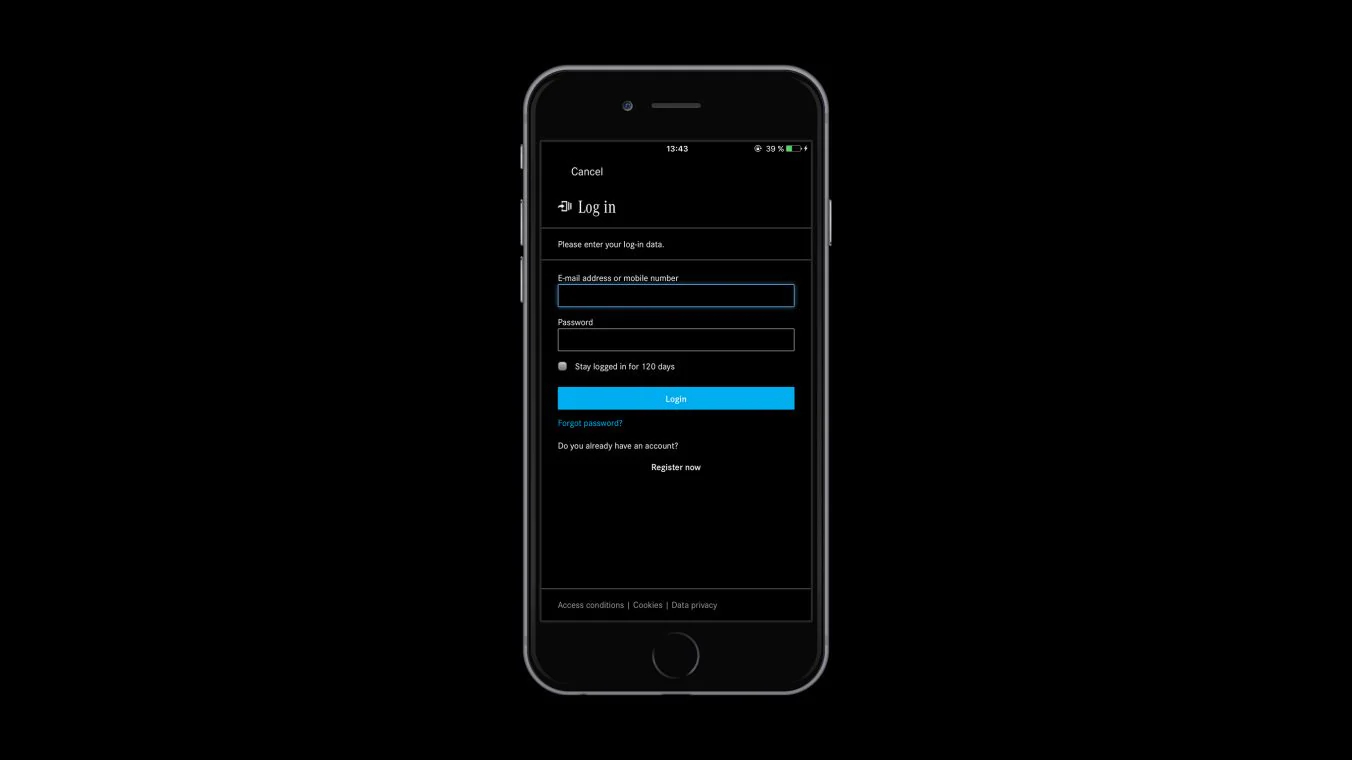
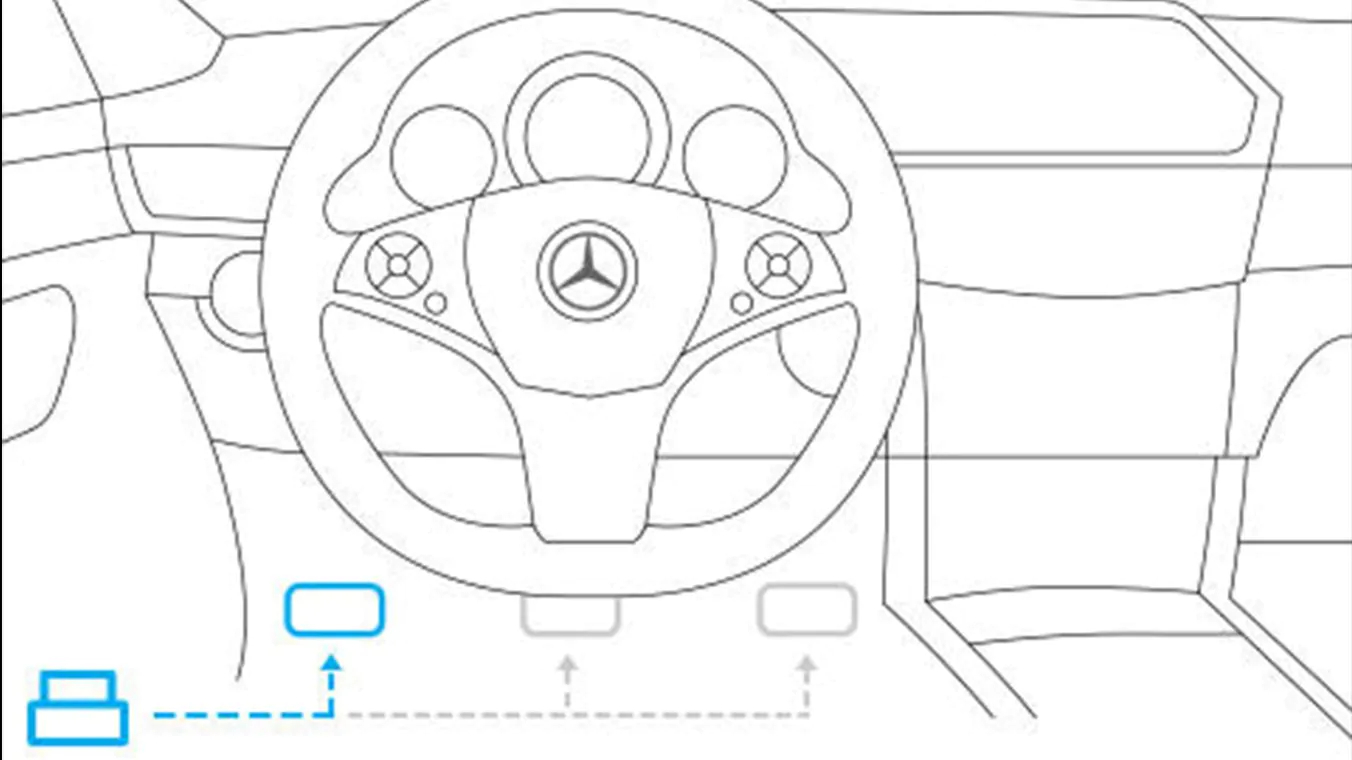
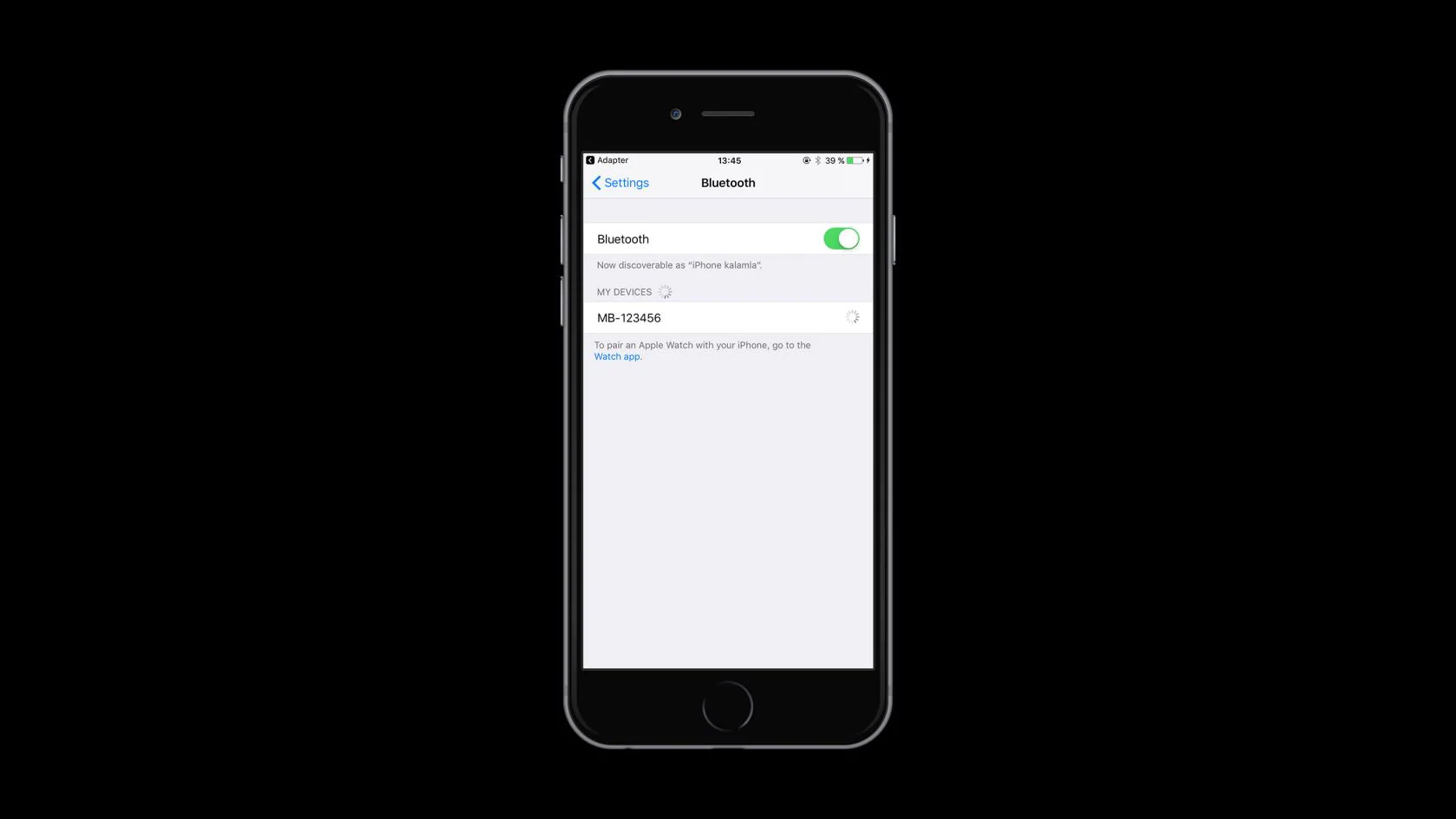
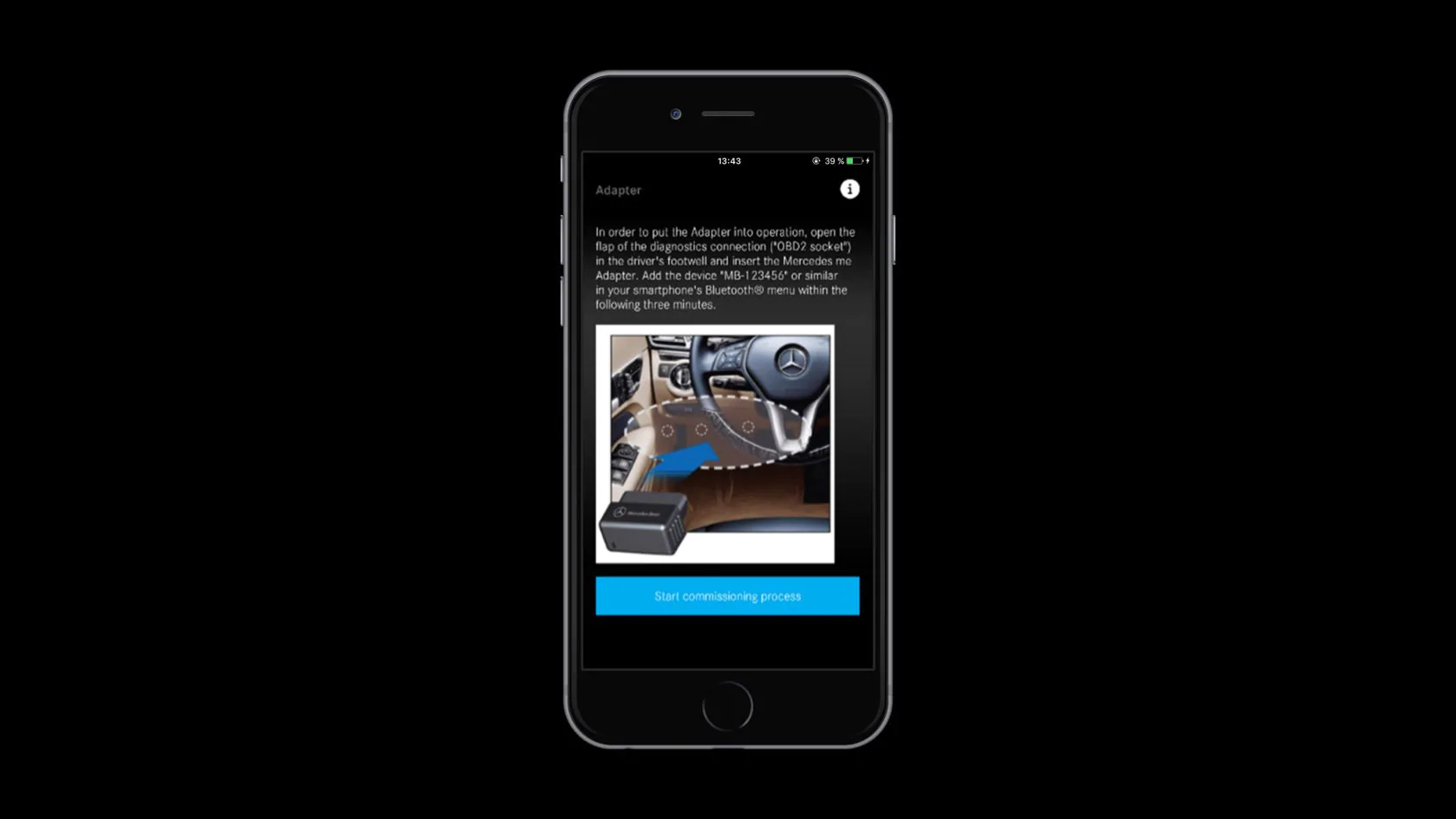
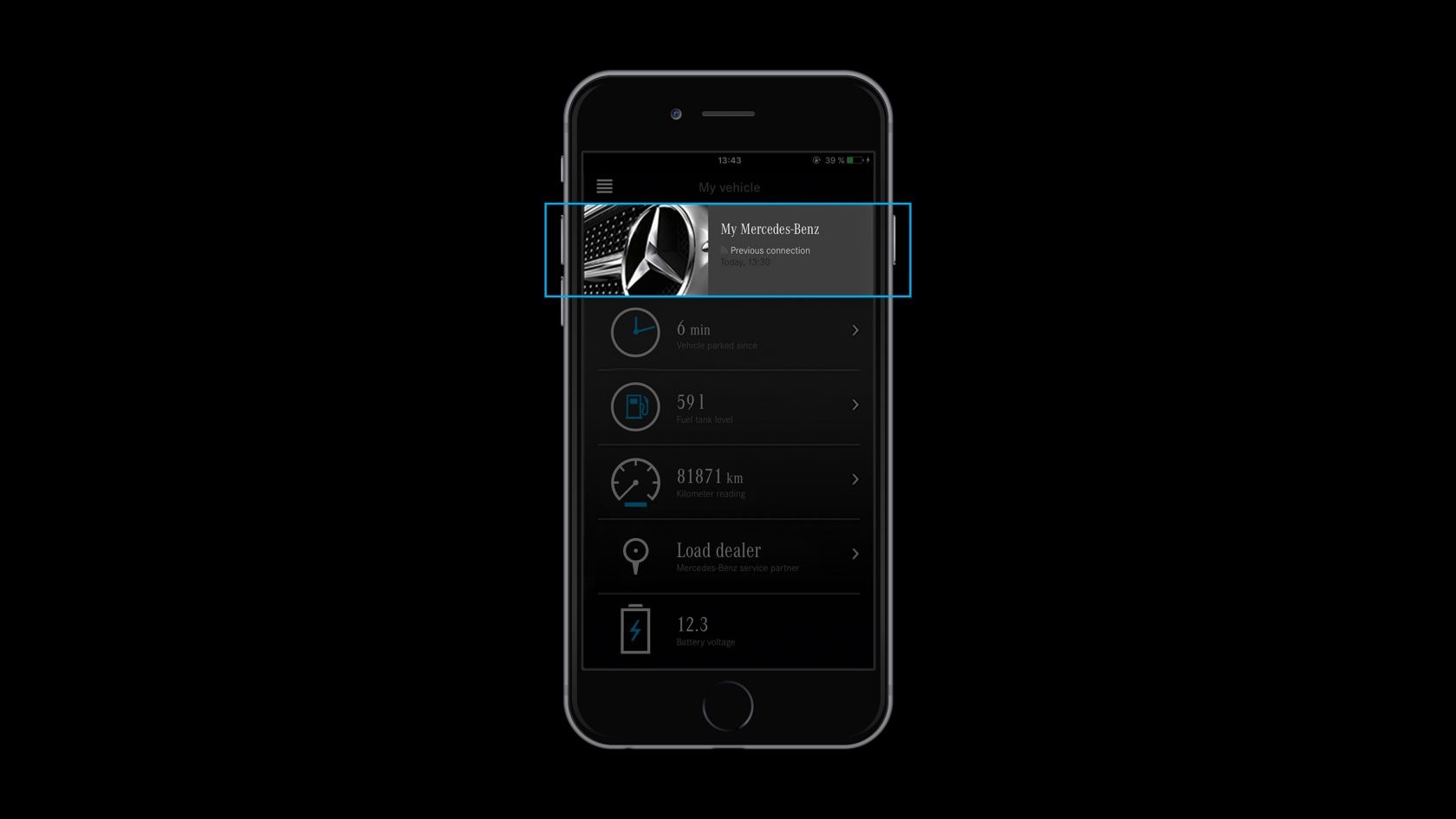
Your vehicle has been successfully set up, and you can use all the functions of the Mercedes me Adapter.
Place the “Addendum to your vehicle’s Owner’s Manual” into your vehicle’s Owner’s Manual.
Re-commissioning
Do you want to reactivate your Mercedes me Adapter (e.g., after servicing)? Then proceed as follows:
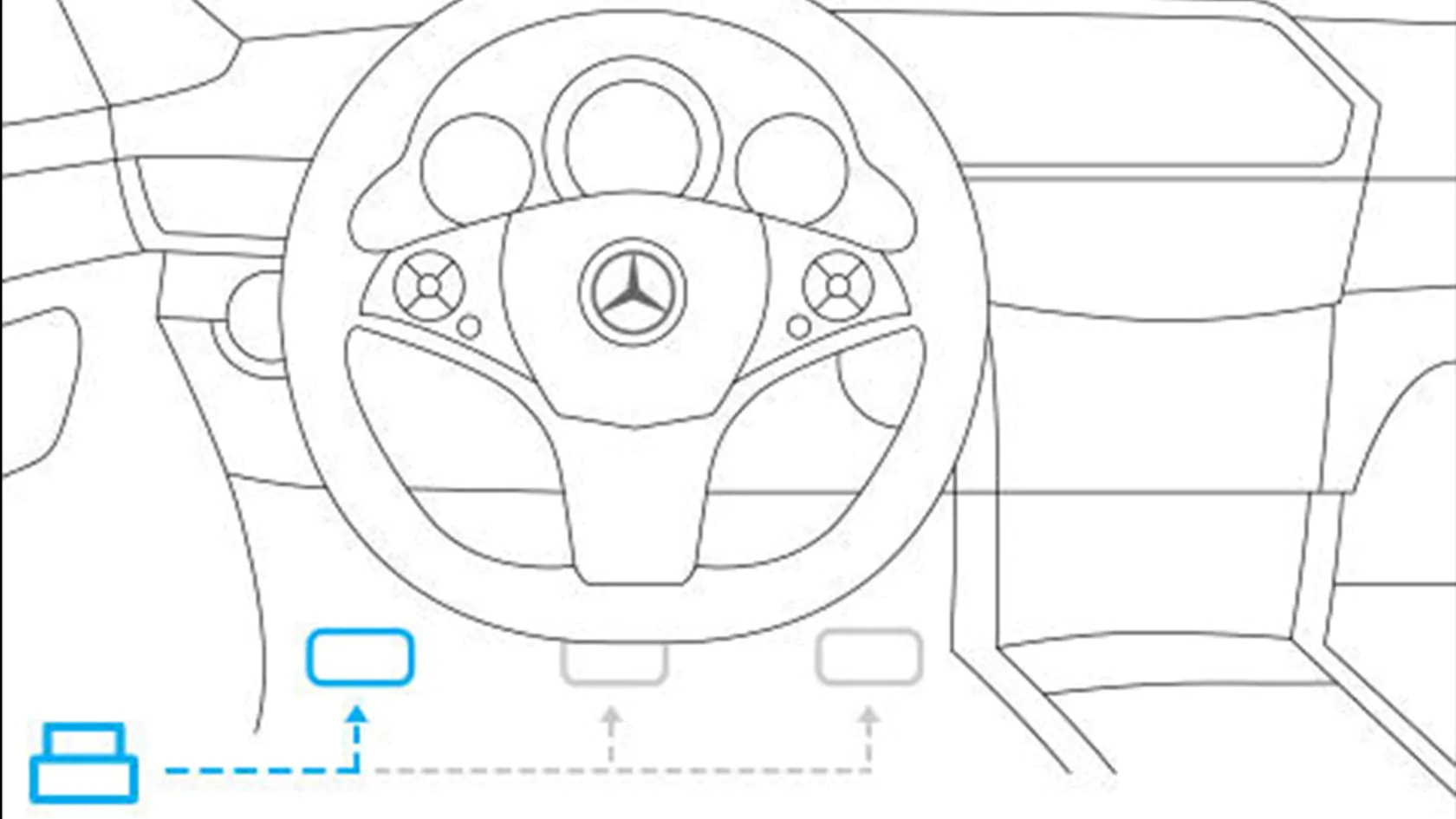
Further Instructions.
The Mercedes me Adapter is designed for permanent installation in the corresponding diagnostic port and should remain connected to it.
Use a cloth dampened with water for cleaning, as contact with liquids poses a risk of short-circuiting.
“Jailbroken” smartphones (those with unauthorized removal of usage restrictions imposed by the manufacturer on the mobile operating system) are not supported and are generally excluded from use.


